Kit type
Last edited 25 November 2026, 18:14 by Jonathan Semple
- Also called
- Kit, Kit options, Kits
- Applies to
- BzC2
- BzC2b
- Tags
- concept
Contents
Your BuzzCopper's kit type is the form it came in: a ready-built device, or a set of parts that you put together yourself.
What it does / why it matters
Every BuzzCopper goes through the same stages, from loose parts to a working device. Your kit type decides how many of those stages are already done for you, and so which How-To you start with. See Initialisation pipeline.
Key facts
| Kit type | What you get | You also need | Start with |
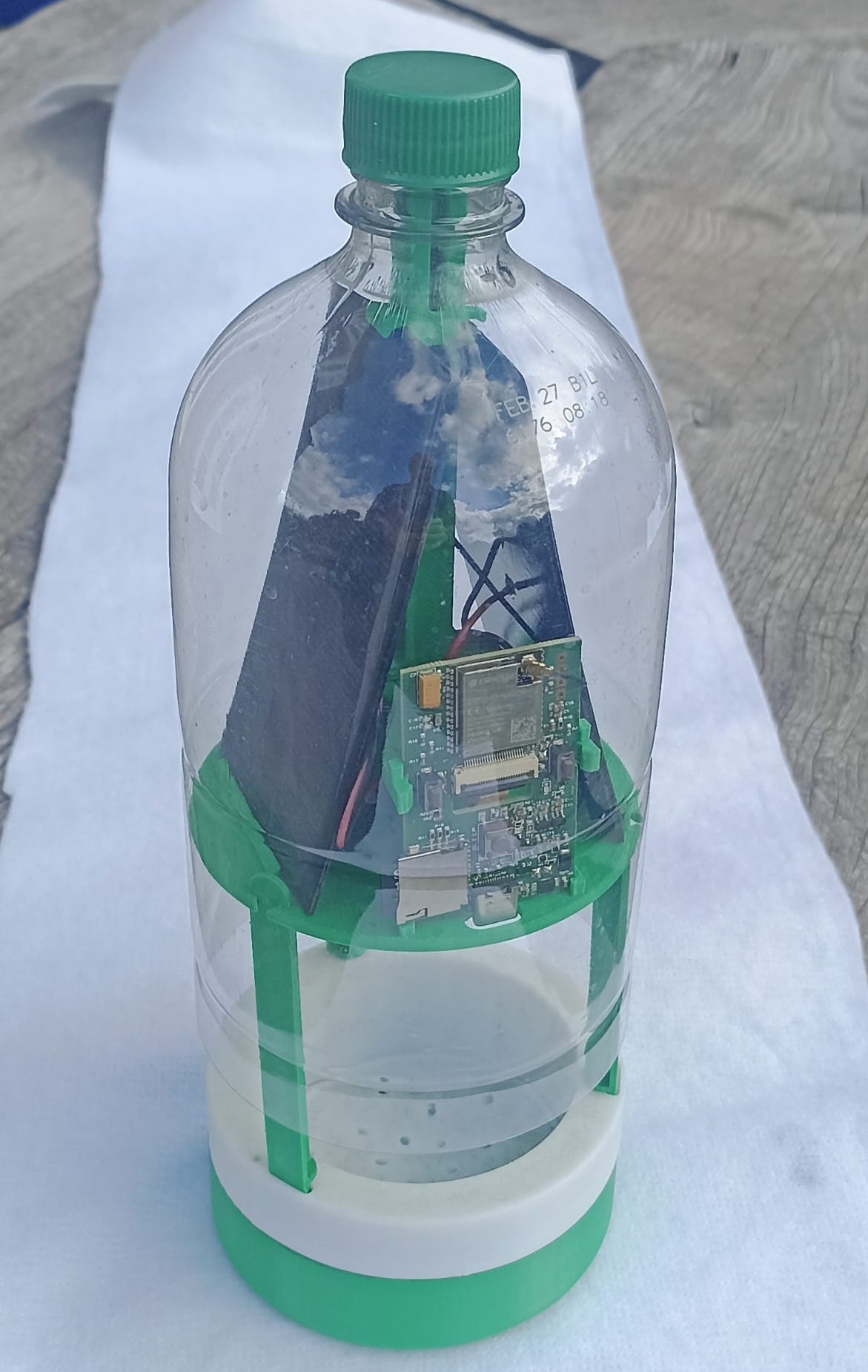 Fully Assembled | A complete BuzzCopper in its Cover, built and tested. The battery is disconnected for transit | Nothing else | Reconnect the battery (fully assembled unit) |
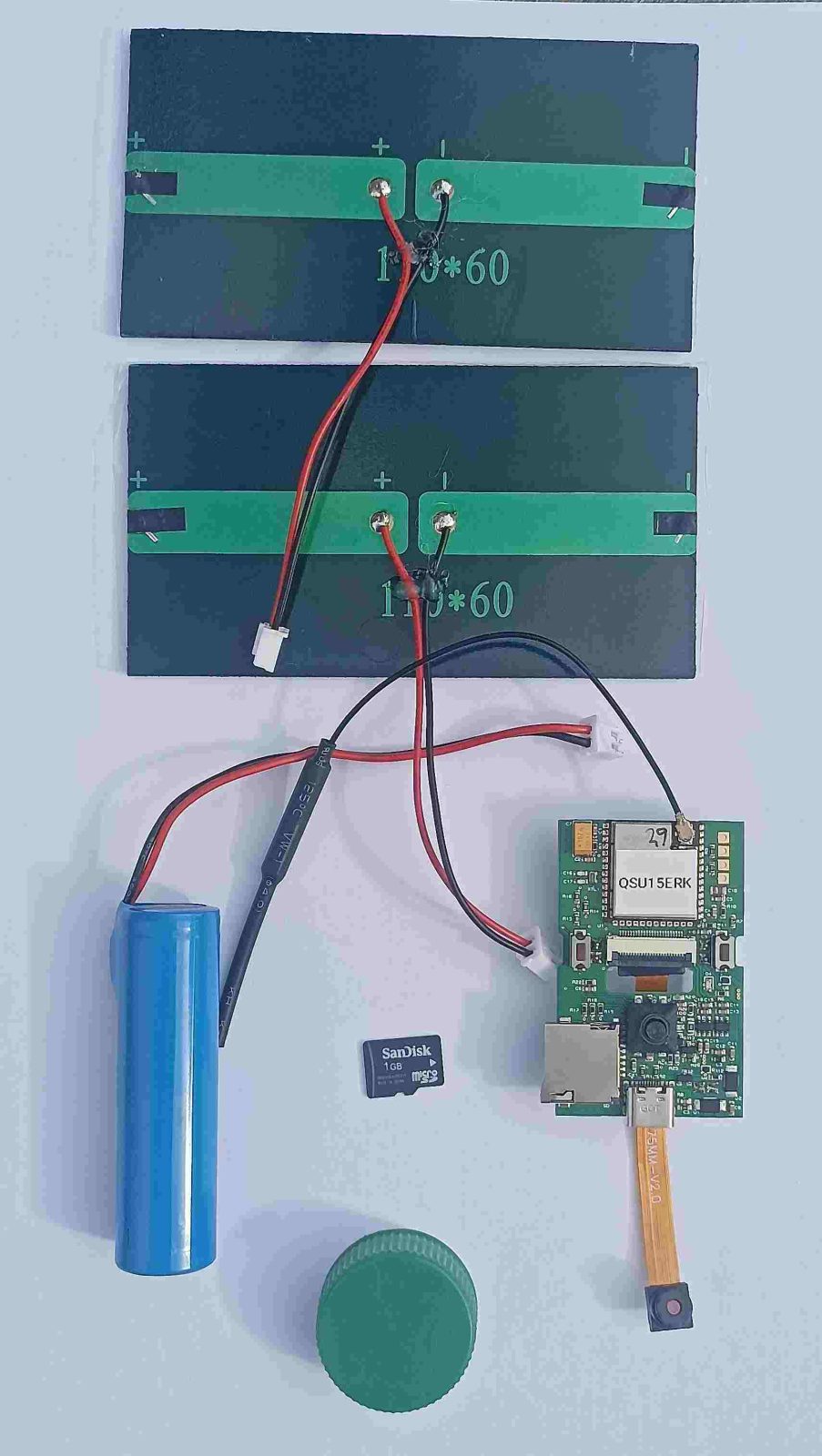 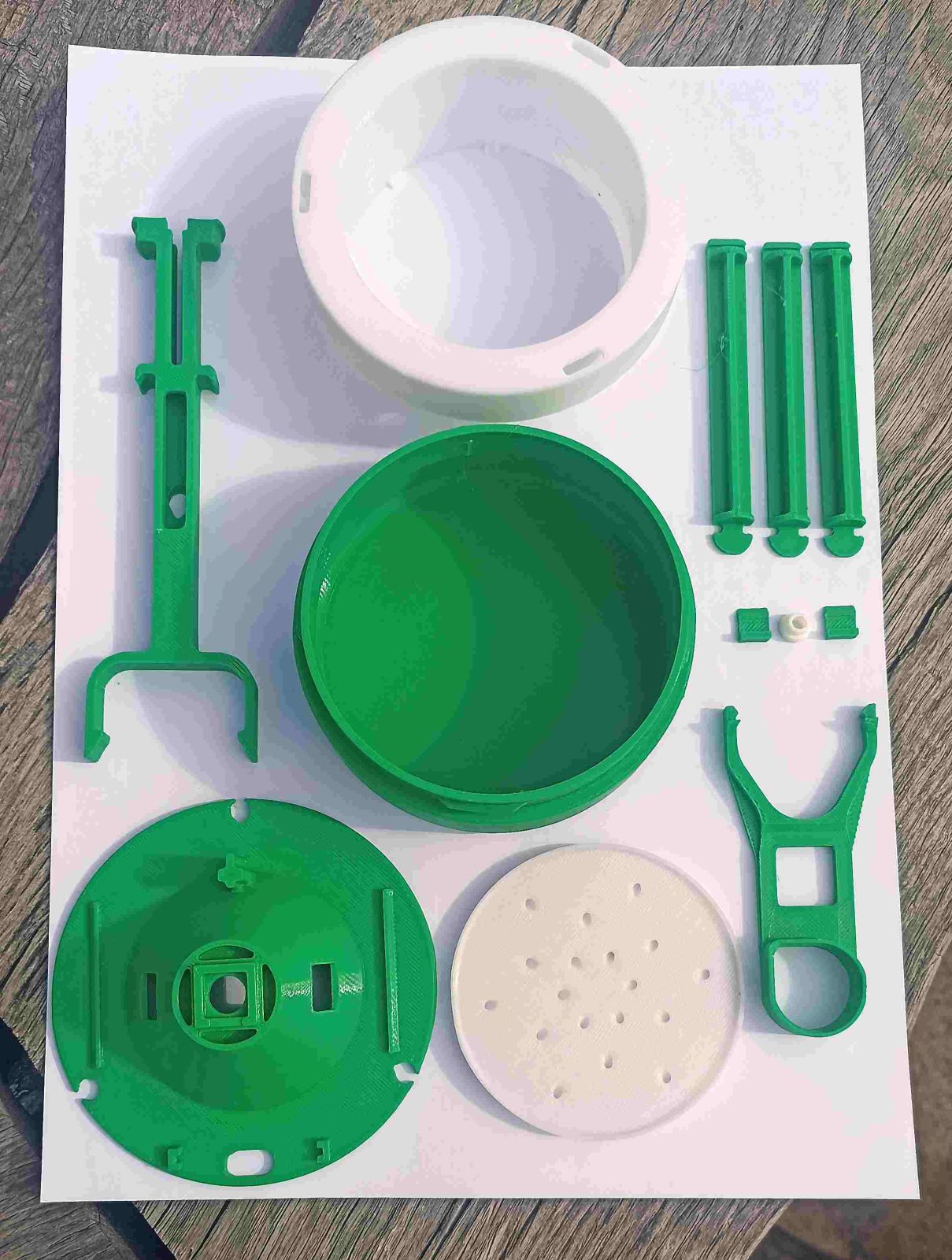 Local Assembly kit | Soldered electronics and the plastic parts | A 2 litre PET drinks bottle for the cover | Assemble a BuzzCopper from a kit |
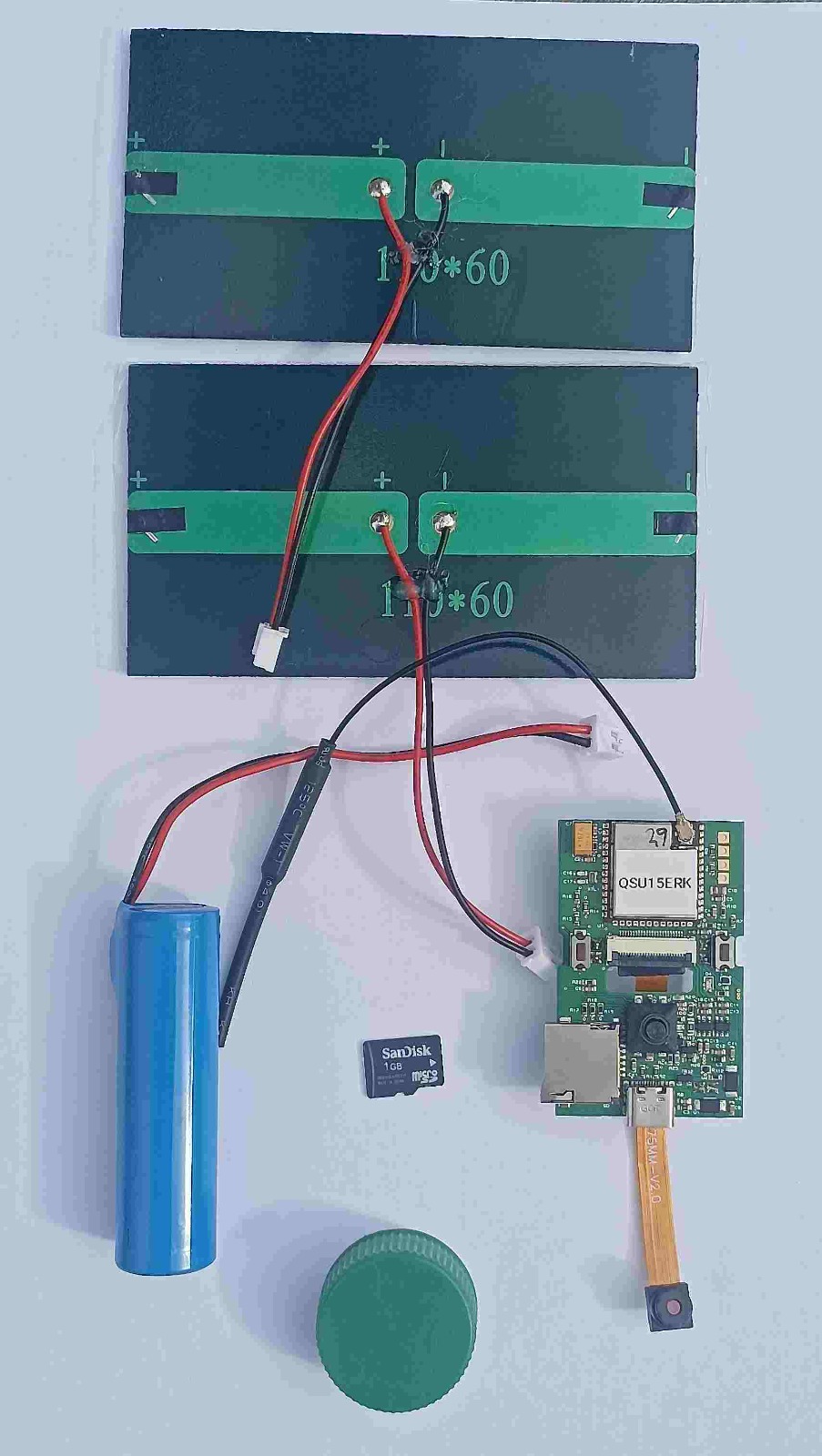 Soldered Electronics kit | Ready-soldered electronics, already set up and commissioned, with a Service tag | A 3D printer to print the plastic parts, and a 2 litre PET drinks bottle for the cover | Print the plastic parts |
All kits are BzC2 or BzC2b: see Hardware version.
How it fits with…
- Distributor: supplies your kit and is your first point of contact for help.
- Print profile: how to print the plastic parts for a Soldered Electronics kit.
How-Tos that use this
See also
What links here
- Cover
- Distributor
- Insect Alert Systems CIC
- Assemble the electronics
- Kit contents
- Initialisation pipeline
- Assembler
- Find out where to start
- Check your kit
- Assemble a BuzzCopper from a kit
- Reconnect the battery (fully assembled unit)
- Start here: building from a kit
- Hardware version
- BuzzCopper (the device)
- Start here: new owner
- Glossary